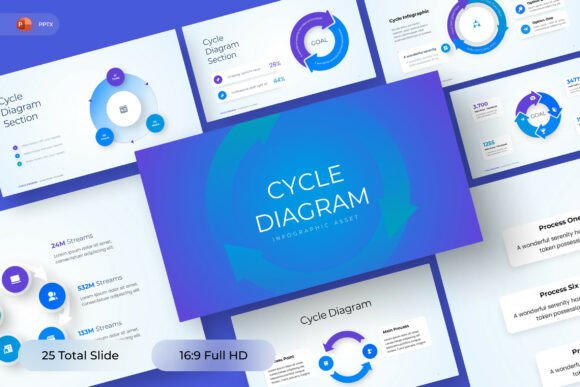
Infographic Slides PowerPoint Template: A Smart Choice for Clear, Compelling Presentations
When you're preparing a presentation that needs to land—whether it’s pitching a new marketing strategy to stakeholders, walking your team through a complex project timeline, or reporting quarterly KPIs—you need more than bullet points and static charts. You need clarity, momentum, and visual rhythm. That’s where the Infographic Slides PowerPoint Template stands out—not as just another design pack, but as a purpose-built tool for turning dense information into digestible, memorable storytelling.
Why Morph Transitions Change the Game
Most presentation templates rely on fade-ins or simple wipes between slides. The Infographic Slides PowerPoint Template goes further with built-in morph transitions. These aren’t flashy gimmicks—they’re functional tools. When you animate a process flow from “Step 1” to “Step 3,” morph smoothly reshapes arrows, repositions icons, and adjusts labels in real time. The result? Your audience doesn’t just see data—they experience progression.
This matters especially when explaining cause-and-effect relationships, phased rollouts, or comparative metrics. Imagine showing customer acquisition cost (CAC) dropping over three quarters: instead of jumping between static bar charts, the bars subtly rise and fall across slides, reinforcing trend logic without needing narration. Morph isn’t decoration—it’s cognitive scaffolding.
Designed for Real-World Use Cases—Not Just Aesthetics
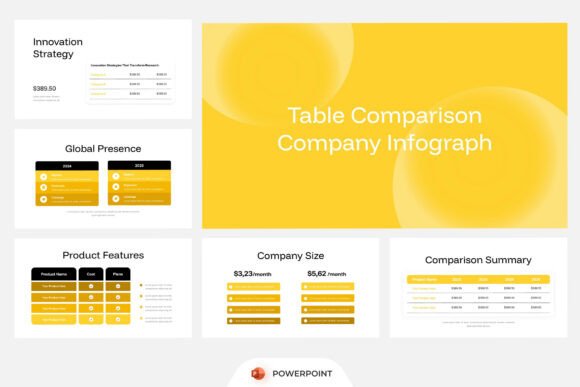
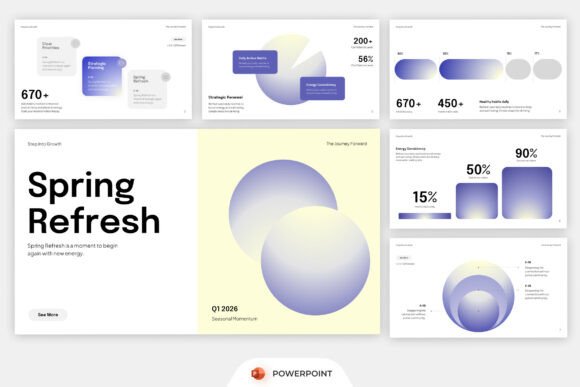
The Infographic Slides PowerPoint Template includes 16 fully editable slides—all in standard 16:9 widescreen ratio—each tailored to a specific communication need:
- Statistical dashboards with customizable gauges, percentage rings, and icon-driven metric cards;
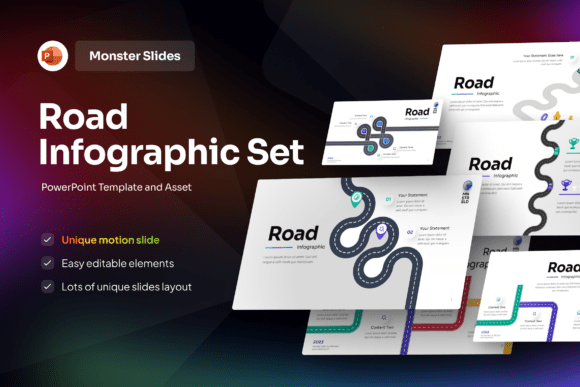
- Process flows that support linear, cyclical, or branching logic—ideal for SOPs, onboarding sequences, or agile sprint retrospectives;
- Timelines that scale effortlessly from quarterly roadmaps to multi-year product lifecycles;
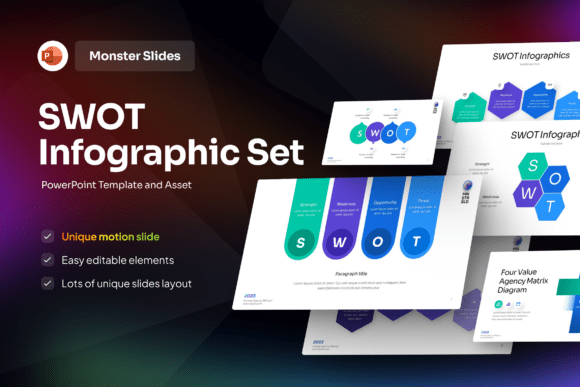
- Business insight layouts, including SWOT overlays, competitive comparisons, and before/after scenario visuals.
What makes these more than placeholders is their structural flexibility. Each element—icons, text boxes, color blocks—is grouped logically but remains individually editable. You’re not locked into rigid layers or flattened graphics. Need to swap an upward-trending arrow for a downward one? Done in two clicks. Want to add a fourth stage to a five-step workflow? Drag, duplicate, relabel—no redesign required.
Truly Editable Means Truly Yours
Many templates advertise “editable” slides—but then bury users under ungrouped shapes, mismatched fonts, or embedded raster images. The Infographic Slides PowerPoint Template avoids those pitfalls deliberately. Every slide uses vector-based elements, cleanly layered and labeled in the Selection Pane. No hidden objects. No mystery grouping.
It also includes a free, web-safe font—pre-installed and applied consistently across all text elements. You won’t hit a wall because a custom font fails to load on a client’s machine. And because everything is native PowerPoint (no external add-ins or macros), compatibility stays rock-solid across versions—from PowerPoint 2019 to Microsoft 365.
Fits Naturally Into Modern Workflows
Today’s professionals rarely work in isolation. You might draft slides in PowerPoint, share drafts via Teams or SharePoint, get feedback from remote colleagues, then present live—or record a narrated version for asynchronous review. The Infographic Slides PowerPoint Template supports all of that.
Its clean structure means collaborators can jump in and edit without breaking layouts. Its lightweight file size keeps sharing smooth—even with large image placeholders. And because no stock imagery is included (all image placeholders are clearly marked), you retain full control over brand-aligned visuals. Drop in your own photos, branded illustrations, or licensed assets—no cropping battles or resolution guesswork.
Marketing teams use it to build campaign summaries that move seamlessly from audience research → creative concept → channel mix → performance snapshot. Operations leads deploy it for process documentation that evolves alongside SOP updates. Even educators repurpose its timeline and comparison slides for curriculum roadmaps—proving its versatility extends beyond corporate walls.
Getting Started Is Faster Than You Think
You don’t need design training or hours of setup. The Infographic Slides PowerPoint Template ships with a concise Help Guide—PDF format, step-by-step, no jargon. It walks you through:
- How to replace placeholder text while preserving animation triggers;
- Where to adjust global colors using PowerPoint’s built-in Theme Colors palette;
- How to extend timelines or statistic cards without disrupting morph logic;
- Troubleshooting tips for common export issues (e.g., PDF fidelity, video recording sync).
No trial-and-error. No forum digging. Just clear, actionable guidance—because time saved on setup is time invested in message refinement.
What Users Actually Prioritize—And How This Template Delivers
Before choosing any presentation resource, people ask practical questions:
- “Can I customize it without breaking anything?” — Yes. All elements are editable, ungrouped, and logically organized.
- “Will it look professional on first use?” — Absolutely. Balanced spacing, consistent typography, and intentional contrast ensure polish—even before personalization.
- “Does it work offline or in restricted IT environments?” — Yes. No cloud dependencies, no external scripts, no font licensing surprises.
- “Can I scale it for different audiences?” — Easily. Simplify a detailed process slide for executives; expand the same slide with sub-steps and annotations for technical teams.
That last point is critical. One-size-fits-all presentations rarely fit anyone well. The Infographic Slides PowerPoint Template respects that reality by giving you control—not constraints.
Smart Customization, Not Just Color Swaps
Customizing isn’t just about changing blue to burgundy. It’s about aligning visuals with intent. With this template, you can:
- Adjust morph timing to match speaking pace—slower for strategic reviews, snappier for internal standups;
- Swap icon sets using PowerPoint’s built-in Insert > Icons library (or paste your own SVGs);
- Use the Slide Master to apply consistent headers, footers, and branding across all 16 slides in one go;
- Export individual slides as high-res PNGs for use in reports, intranet posts, or social snippets.
It’s customization with intention—not decoration for decoration’s sake.
A Template That Grows With Your Needs
Some resources feel dated after one update cycle. The Infographic Slides PowerPoint Template avoids obsolescence by focusing on timeless principles: hierarchy, contrast, alignment, and motion logic—not fleeting trends. Its layouts follow established visual cognition patterns, so they remain effective whether viewed on a 4K monitor or a mobile screen.
And because it’s built on native PowerPoint functionality—not proprietary plugins—it adapts naturally to future software updates. You’re not betting on a vendor’s roadmap. You’re investing in a reliable, scalable foundation for how you communicate.
Whether you’re presenting to investors, training new hires, or synthesizing cross-departmental insights, clarity starts with structure—and structure begins with the right starting point. The Infographic Slides PowerPoint Template doesn’t just save time. It sharpens focus, strengthens credibility, and helps your ideas move forward—visually, verbally, and strategically.